


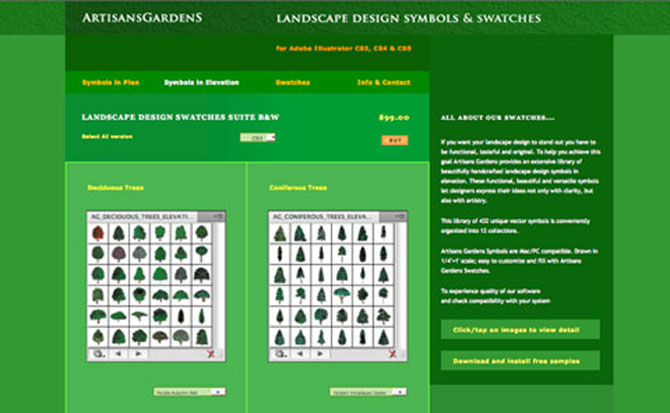
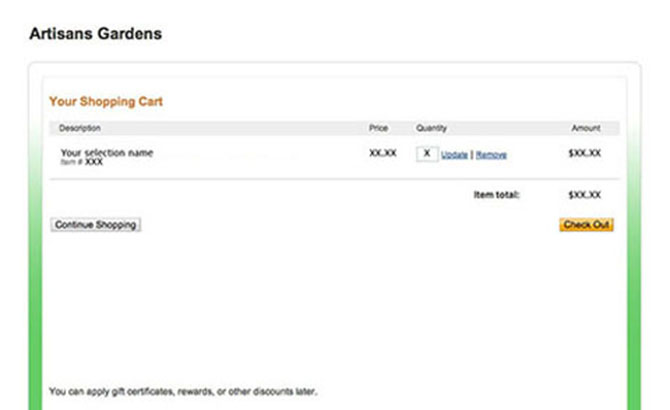
Review your PayPal shopping cart; click CHECK OUT button to continue.
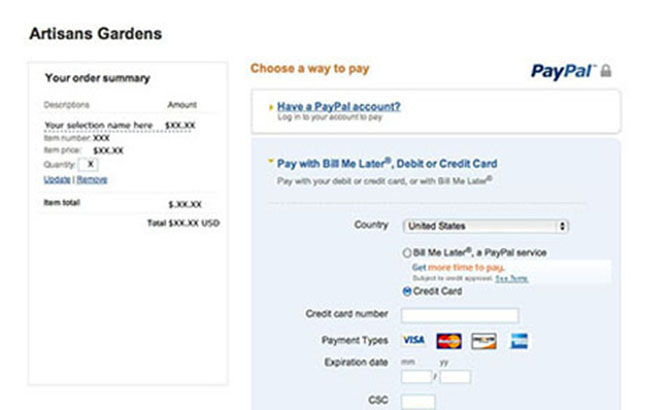
Note: You do not need a PayPal account to make a PayPal payment.
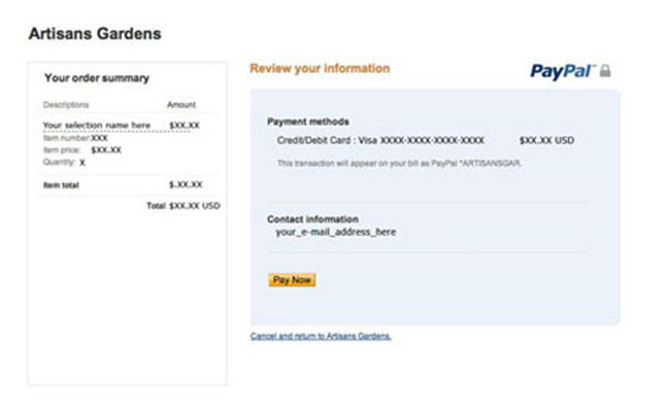
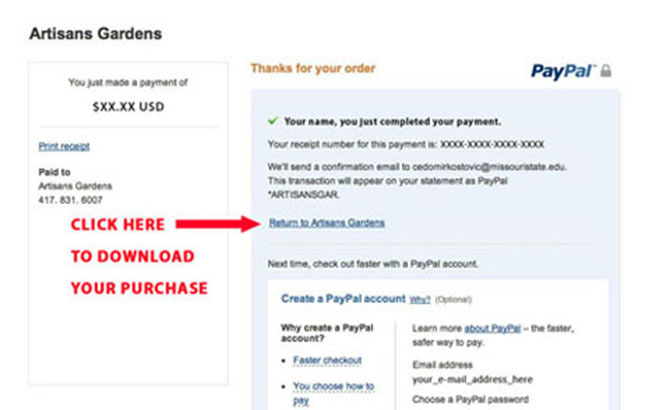
This is a link to your download session.
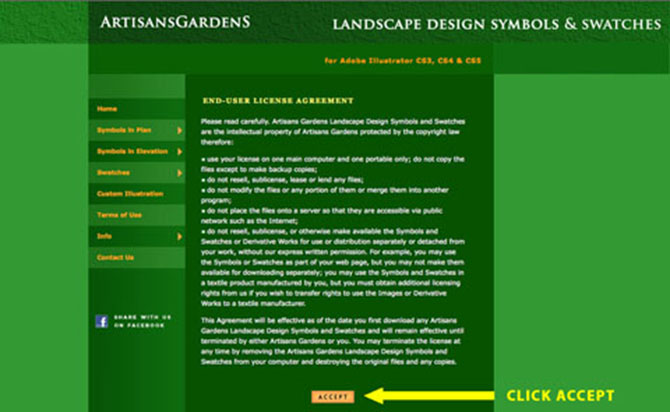
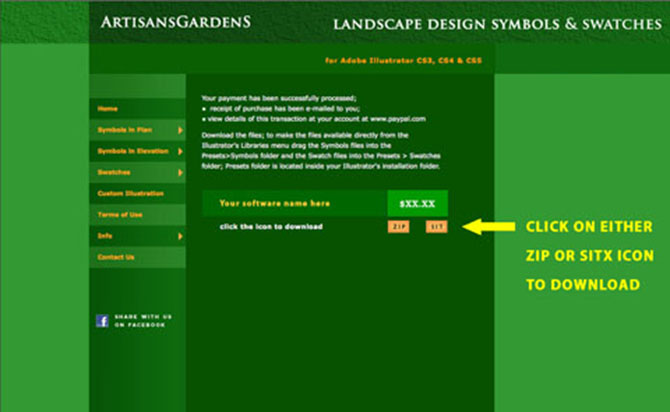
There is one download session per transaction - if something interrupts your download session and you are not able to complete it please provide us with a transaction ID (valid PayPal receipt) and we will deliver it to you directly. You may contact us either via contact link on the thank you page of download session or via contact our page: http://artisansgardens.com/contact.html
All sales are final. We do not accept returns of our symbols and swatches.
installation guideDownload the files then open ZIP or SITX folder(s) on your computer according to the reqirements of your system.
• Place swatches into Presets>en_US>Swatches folder and symbols into Presets>Symbols folder of your Adobe Illustrator folder.
• After installation open any Adobe Illustrator file and access Artisans Gardens Landscape Design Symbols via Windows>Symbol Libraries and Artisans Gardens Landscape Design Swatches via Windows>Swatch Libraries.
Note: Opening Artisans Gardens Landscape Design Symbols/Swatches files outside of their proper location will produce empty files.
Some versions of Windows require the following way of opening the zip archive:
• Right click on the zip; when the scroll down window opens select 7-zip.
• When you hold the mouse on 7-zip option a new scroll down window opens; select Extract Files option from the menu, click on it.
• Symbols or Swatches folder will appear somewhere on the desktop.
• Drag the symbols folder to the Adobe Illustrator Presets>en_US>Symbols folder and the swatches folder to the Illustrator Presets>en_US>Swatches folder.
Can I upgrade ag symbols & swatches ?
Yes, you can. Before you upgrade your Adobe Illustrator from older to newer version, remove Artisans Landscape Symbols from the Presets>Symbols and Artisans Landscape Swatches from the Presets>Swatches folders of your old version of Adobe Illustrator.
• Place the files into temporary folders (name them AG Symbols and AG Swatches and place them on your hard drive for your convenience.
• After the upgrade put files where they belong - swatches into Swatches folder and symbols into Symbols folder of your Adobe Illustrator Presets folder.
Can I downgrade AG symbols & swatches ?Yes, you can. Open file; click Save As - when dialog box opens choose Adobe Illustrator Document [.ai] then click Save.
• In the format options dialog that opens up after this there is a version box at the top; choose the version you would like to save it in.
• Place converted files where they belong - swatches into Swatches folder and symbols into Symbols folder of your Adobe Illustrator Presets folder.
How can I modify my symbols?You can easily modify Artisans Gardens symbols as they are examples of vector art – they can be adjusted in size, stroke width, and color. After you place a symbol on the artboard, you can edit the symbol's instances and redefine the original symbol.
• You can move, rotate, scale, skew or reflect symbol instances using Adobe Illustrator tools. You can apply any effect from the Effect menu and perform any operation from the Transparency, Appearance, and Graphic Styles panels.
• To modify the individual components of a symbol, first Break Link of the symbol instance – click the Break Link button in the Symbols panel or Control panel. Then, Expand the symbol instance – click the Expand button in the Control panel or go to Object>Expand – then click OK in the Expand dialog box. Expanding turns instances into editable artworks.
• To recolor the symbols, use the Live Paint Bucket tool in Adobe Illustrator to fill the sections of symbols. First Break Link of the symbol and Expand it before using the Live Paint Bucket tool. Select the symbol prior to applying paint with the Live Paint bucket tool.
• To create a new symbol first Break Link of the symbol instance, modify it then drag the modified symbol to the Symbols panel or click New Symbol in the Symbols panel.
• To change the definition of existing symbol, double click on it then modify it. Modified symbol will replace an original symbol in the Symbols Library - use this option with caution.


